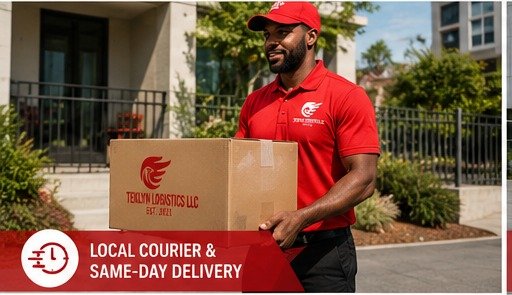
Courier & Same-Day
Teklyn Express
Documents, parcels, personal delivery, small-business delivery and local courier needs.
Book Teklyn Express →
Use this page to choose the Teklyn Logistics service that best matches your shipment, then continue into the external booking application to enter pickup, destination, timing and shipment details.
The booking application will collect the actual delivery details. This page simply helps you choose the right service category first.
Documents, parcels, personal delivery, small-business delivery and local courier needs.
Book Teklyn Express →
Eligible healthcare-related courier requests and time-sensitive medical delivery needs.
Book Medical Courier →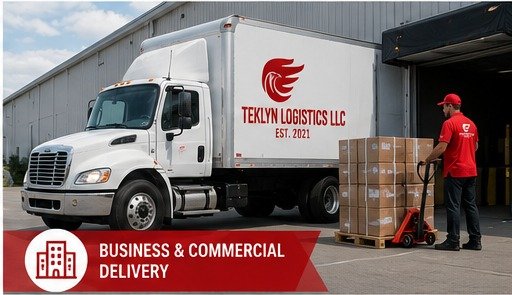
Larger packages, business deliveries, scheduled routes and commercial transportation needs.
Book Commercial Delivery →
Larger commercial loads and qualifying freight movements based on route and service requirements.
Request Freight Service →The Teklyn Logistics booking application handles the delivery details. Use it to enter the pickup, destination, requested timing, service type and shipment information needed to begin your delivery request.
This website helps you choose the appropriate service before continuing into the booking workflow.
Select Teklyn Express, Medical Courier, Commercial Delivery or Freight Transportation.
Continue to the external Teklyn Logistics booking application.
Add the pickup, destination, timing, shipment and service information requested by the app.
Review the available pricing/service details in the booking application and complete the booking workflow.
This page helps you choose the right service, then directs you into the Teklyn Logistics booking application to complete the delivery request.
Yes. The booking workflow is designed to support courier, medical courier, commercial delivery and freight-related requests as available.
Pricing should be shown or calculated inside the booking application based on the information entered for the delivery.
Start with the shipment details. The Services and Service Areas pages can also help you identify the closest service category.
Start your delivery request and enter the details needed to determine the appropriate service, availability and pricing.